Crowlin / Invoice checking
Check invoices before you pay them.
A digital employee compares each incoming invoice with the order and contract. It flags differences in price, quantity or payment terms and shows where they came from. A person always approves payment.
What the check looks for.
Differences that slip through manual approval because nobody has time to compare three documents.
Price and discount
Unit price and discount according to the contract or the price list valid on the order date.
Quantity and line items
Invoiced quantity against the order and delivery note. Items nobody ordered.
Payment terms
Due date, currency and payment terms against the framework contract.
How the check works.
Every step is in the audit trail. Every difference links to the document it is based on.
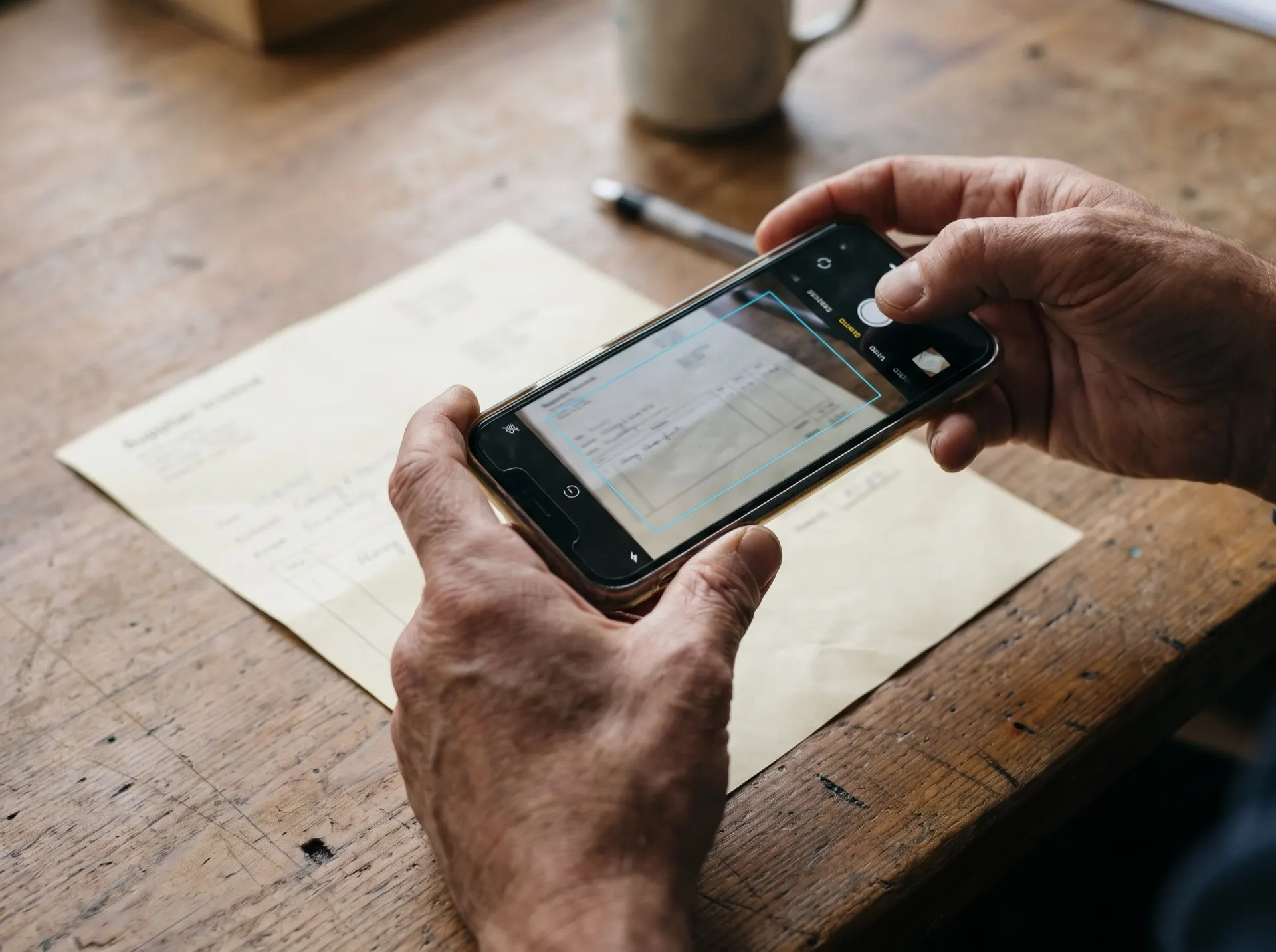
The invoice arrives
By e-mail, from the ERP, or as a photo of a paper invoice. The model on the server reads the text.
Finding the order and contract
Crowlin finds the order, delivery note and contract — only in sources it is allowed to access.
The server does the maths
Prices and quantities are compared by calculation on the data. The language model only explains the differences.
Match, or a list of differences
The result goes to whoever approves the invoice. The payment decision stays with them.
Authority under control.
The invoice checker is a digital employee with precisely defined authority. You decide what it may do alone and what needs approval.
On its own
Reads invoices, finds documents, compares and prepares a summary.
With approval
Returning an invoice to the supplier or adding a note in the ERP. A person confirms with one click.
People only
Approving and sending the payment. The agent prepares the basis; a person always decides.
Common questions about invoice checking
Do we need a connected ERP?
Can it handle scanned or photographed invoices?
What if Crowlin gets it wrong?
Is invoice checking an off-the-shelf product?
Related topics
We’ll show you on your own data.
We’ll show you Crowlin on a sample of your documents in an isolated space. We delete the data after the demo on request. The demo is non-binding.
How the first demo works
- Intro call, 30 minutes. What people in your company ask about and which documents hold the answers.
- Demo on your documents, about an hour. Online or on site. You send a sample; Crowlin answers from it live.
- Pilot proposal. Scope, success criteria, timeline and a fixed price. You decide only then.